

Offices & Professional Services
Keep everyday employee check-ins and attendance records organised.
Manage employee check-ins, working hours and attendance across offices, branches and worksites. mPresent combines QR codes, GPS location verification and real-time reports in one easy-to-use platform.

Designed for organisations that want practical attendance records without dedicated biometric devices.
Replace scattered registers and spreadsheets with clearer attendance records and easier daily administration.
Use QR and location checks to help reduce incorrect or unauthorised check-ins.
Bring daily attendance and working-hour information together in one place.
Review attendance across branches and worksites from a central dashboard.
Get a clear view of attendance across your workforce, from individual check-ins to organisation-wide reporting.
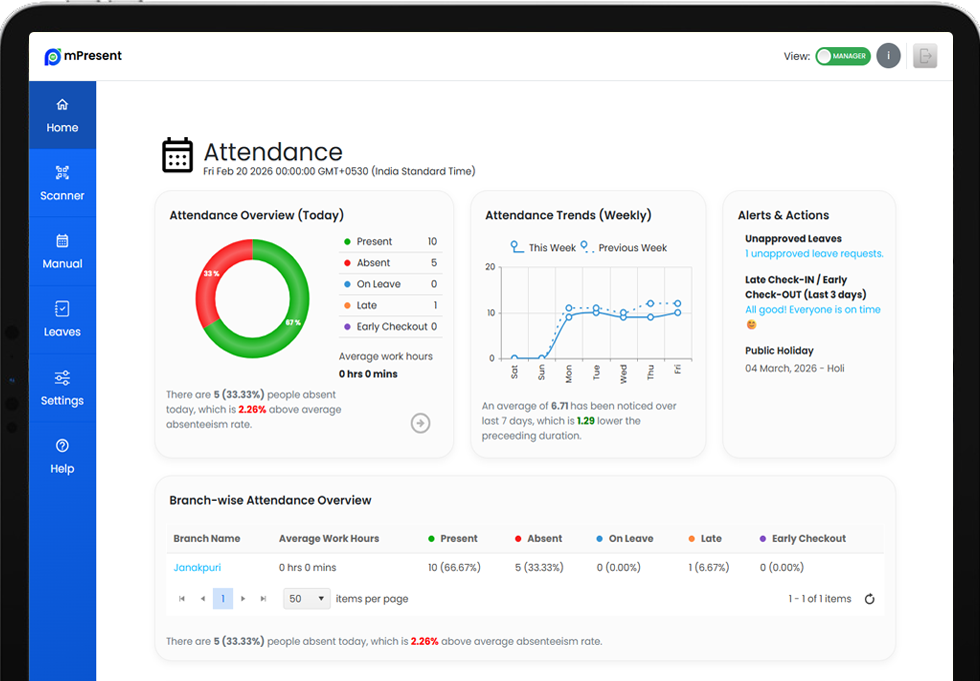
Review daily attendance status and working hours in the central dashboard.
Everything needed to bring employee check-ins, location information and attendance records into a straightforward digital workflow.
Employees check in through the mPresent mobile app using a workplace QR code.
Record location information and configure permitted check-in areas where geofencing is enabled.
Review current attendance information in one central view.
Keep employee details and attendance records organised.
View time and attendance information for the working day.
Organise attendance across branches and other work locations.
Register a device and notify relevant users when recognised devices change.
Review attendance information and patterns through available reporting.
mPresent combines QR attendance with location information and registered-device checks to make unusual activity easier to recognise.
An employee scans the workplace QR code in the mobile app.
Configured location rules can be used to assess where a check-in occurs.
The system recognises the registered device and can flag relevant changes.
Recorded attendance with useful information for review.
Important: No single check-in method can prevent all misuse; accuracy also depends on device permissions, location conditions and workplace configuration.
From a single workplace to teams operating across multiple locations, simplify how attendance is recorded and reviewed.
Keep everyday employee check-ins and attendance records organised.

Monitor attendance across stores, venues and workplace teams.

Support location-based check-ins at configured worksites.

Bring records from multiple workplaces into a common view.
Set up your workplace, invite employees and start recording attendance without dedicated biometric hardware.

Create your organisation account, enter workplace details and generate a QR code.

Invite employees or import them, then ask them to install the mobile app.
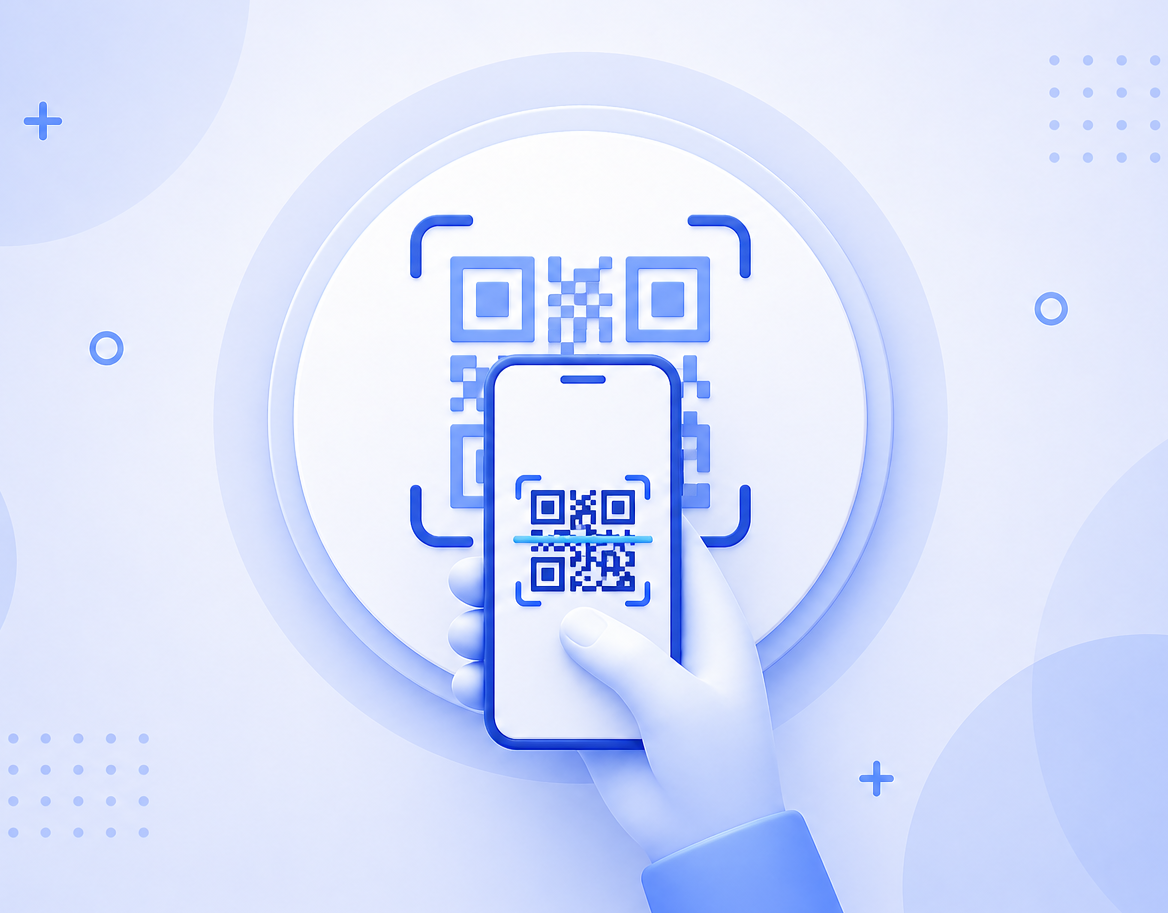
Employees scan the QR code and managers view the resulting attendance records.
Location-based attendance works best when employers and employees understand what information is recorded and how it is handled.
View Privacy PolicyThe app uses location information for relevant attendance and geofencing functions, subject to device permissions.
Organisations should limit access to attendance records to authorised people.
Read the published policy for information about data use, sharing, retention and rights.
Contact Yukti Solutions with questions about your planned workplace configuration.
privacy@yuktisolutions.comBegin with the mPresent standard version. Explore additional options when you need a more advanced attendance setup.
Free
Get started with digital employee attendance and explore the standard mPresent experience.
Start FreeTell us about your team, locations and reporting needs. We’ll help you understand the options available.
Request a DemoApplicable taxes and commercial terms are shown before any paid purchase.
Explore how QR check-ins, location verification and attendance reports fit together in a practical workflow.
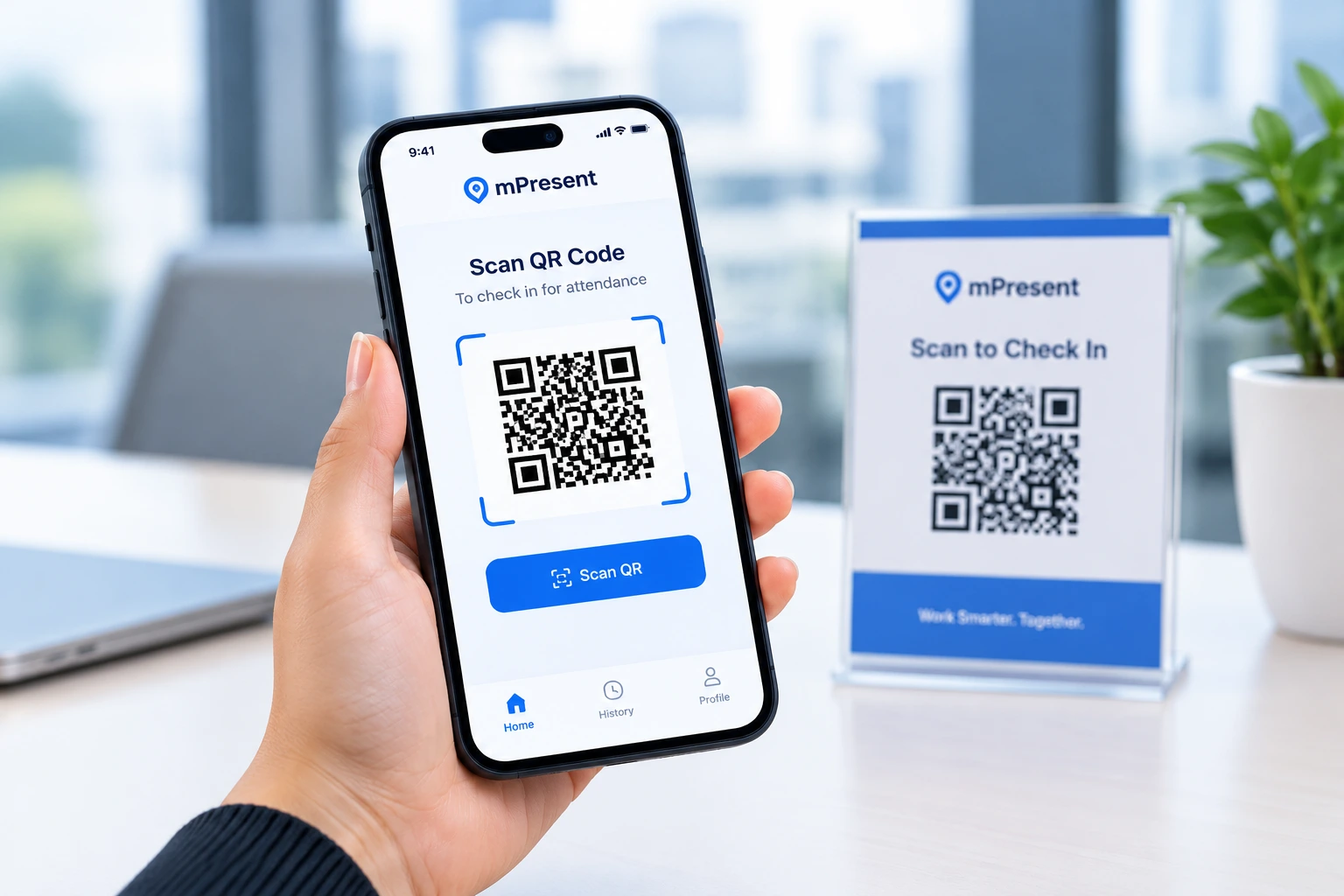
A simple check-in experience in the mobile app.
Capture attendance with available location information.
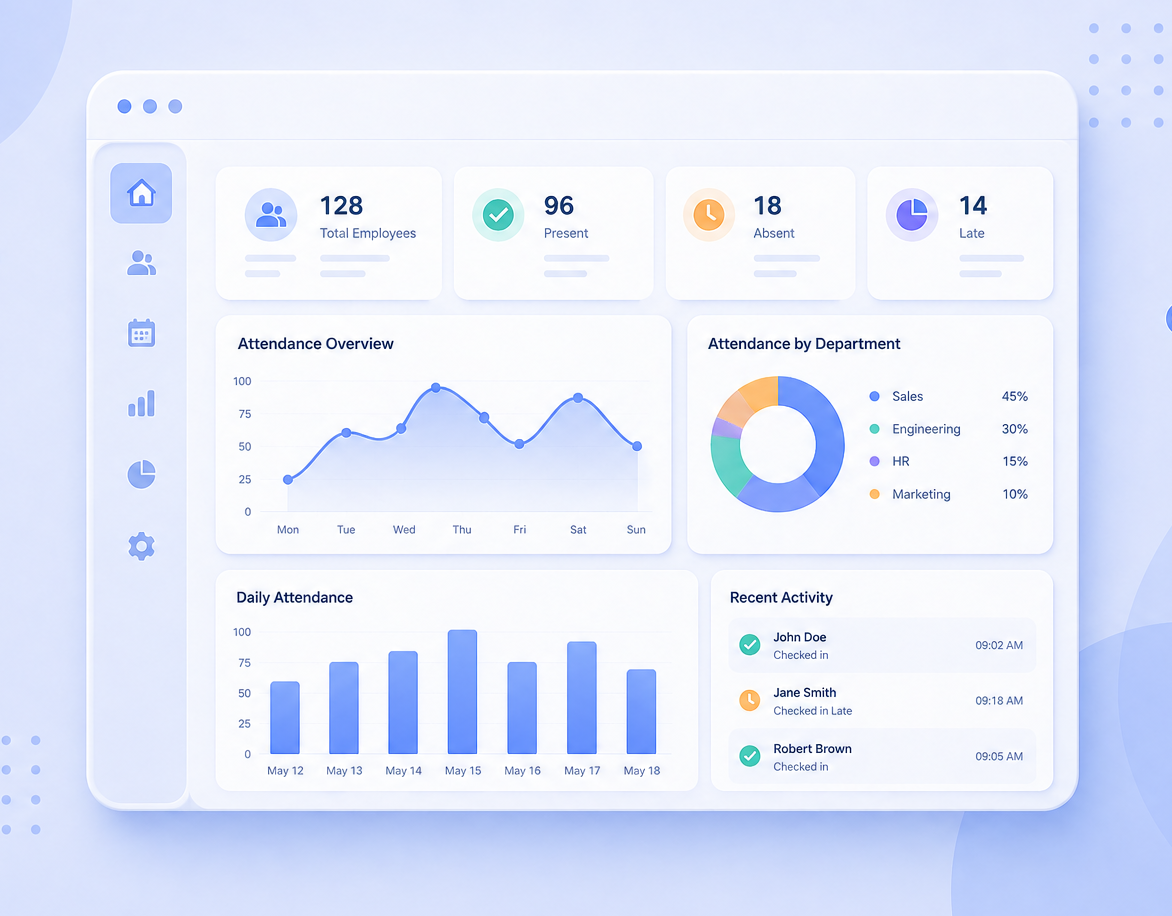
See records and trends in the dashboard.
Answers to common questions about getting started with mPresent.
No dedicated biometric attendance machine is required for the mPresent QR check-in workflow. Employees use the mPresent application on a compatible smartphone.
Your organisation creates a workplace QR code. Employees use the mPresent mobile app to scan the QR code and record a check-in according to the configured attendance rules.
A QR code can be shared. mPresent supplements QR scanning with location information and device recognition to make relevant attendance activity easier to review. These checks reduce risk but cannot guarantee that all misuse is prevented.
mPresent uses location-related information for attendance and geofencing functions. What is collected and when depends on application behaviour, permissions and configuration. Review the published privacy policy and communicate your workplace policy to employees.
The platform advertises multi-branch and multi-location support, allowing organisations to manage attendance across workplaces. Confirm the capabilities and limits of your selected plan before rollout.
mPresent provides attendance dashboards, working-hour information and reporting features. The exact reporting options depend on current product functionality and the plan in use.
Yes. mPresent is listed on Google Play and the Apple App Store. Device and operating-system compatibility are subject to the latest store listing.
A free standard version is advertised on the mPresent website and mobile listing. Review the current plan details and terms during signup for applicable limits or commercial conditions.
mPresent is an attendance management tool. Its public product materials do not establish automatic payroll processing, Australian award interpretation or complete regulatory compliance. Employers remain responsible for their own payroll and record-keeping obligations.
Give employees a straightforward way to check in and managers a clearer view of workplace attendance.
No dedicated biometric machine. Mobile apps for Android and iOS.